
In the modern travel industry, the difference between a "hobbyist" and a "top producer" often comes down to one simple metric: Time Management.
As a travel advisor, your expertise is crafting dream itineraries, securing upgrades, and solving complex logistics. Yet, if you audit your week, you will likely find that 40% to 60% of your time is spent on "non-revenue generating activities." You are copying client names from emails into your CRM, manually adding due dates to your calendar, or double-checking if you added that new booking to your newsletter list.
This is the "Admin Trap." And the most successful advisors in the Vincent Vacations network have found the way out.
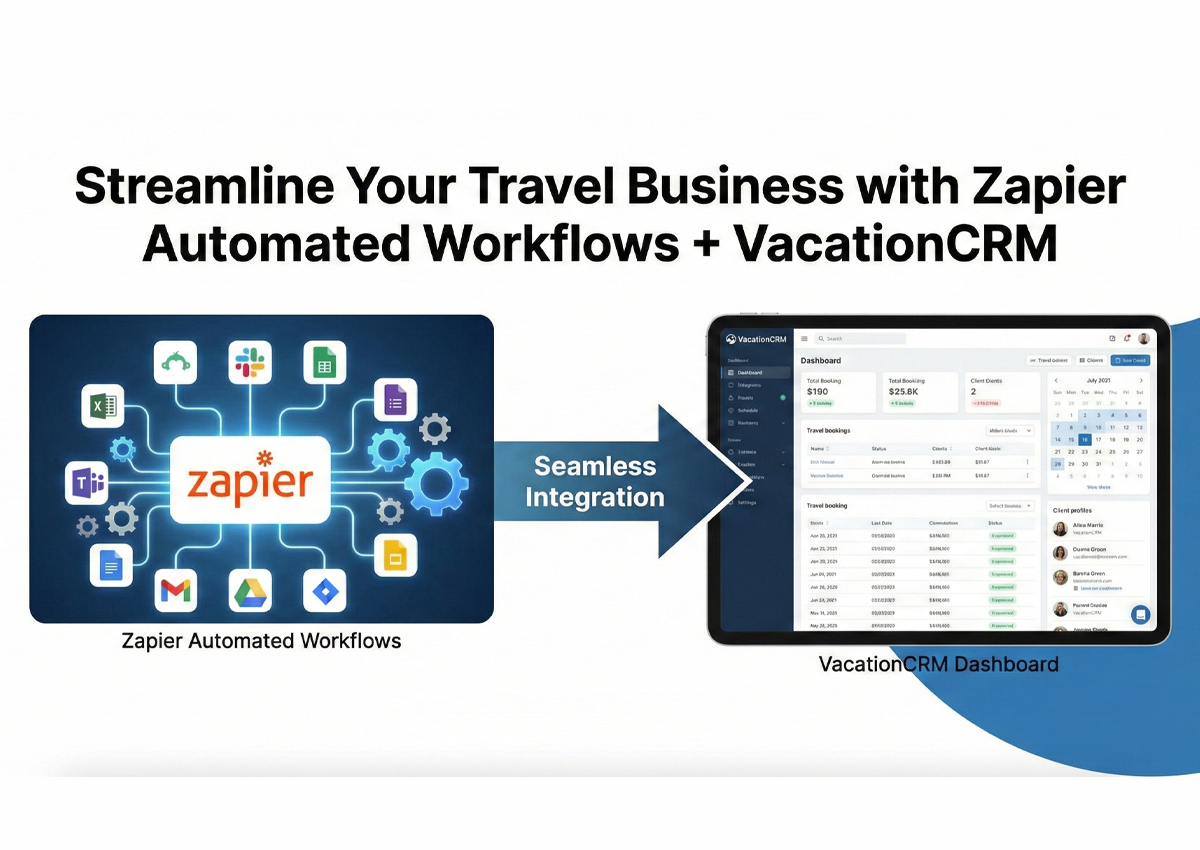
The solution is not working harder. It is building a "digital workforce" using two powerful tools: VacationCRM (VCRM) and Zapier.
In this guide, we will explore exactly how to marry your CRM with automation to eliminate busy work, reduce errors, and—most importantly—free up your time to sell more travel.
What is Zapier? (The Digital Glue)
Before we dive into the specific workflows for VacationCRM, we need to understand the engine that powers them.
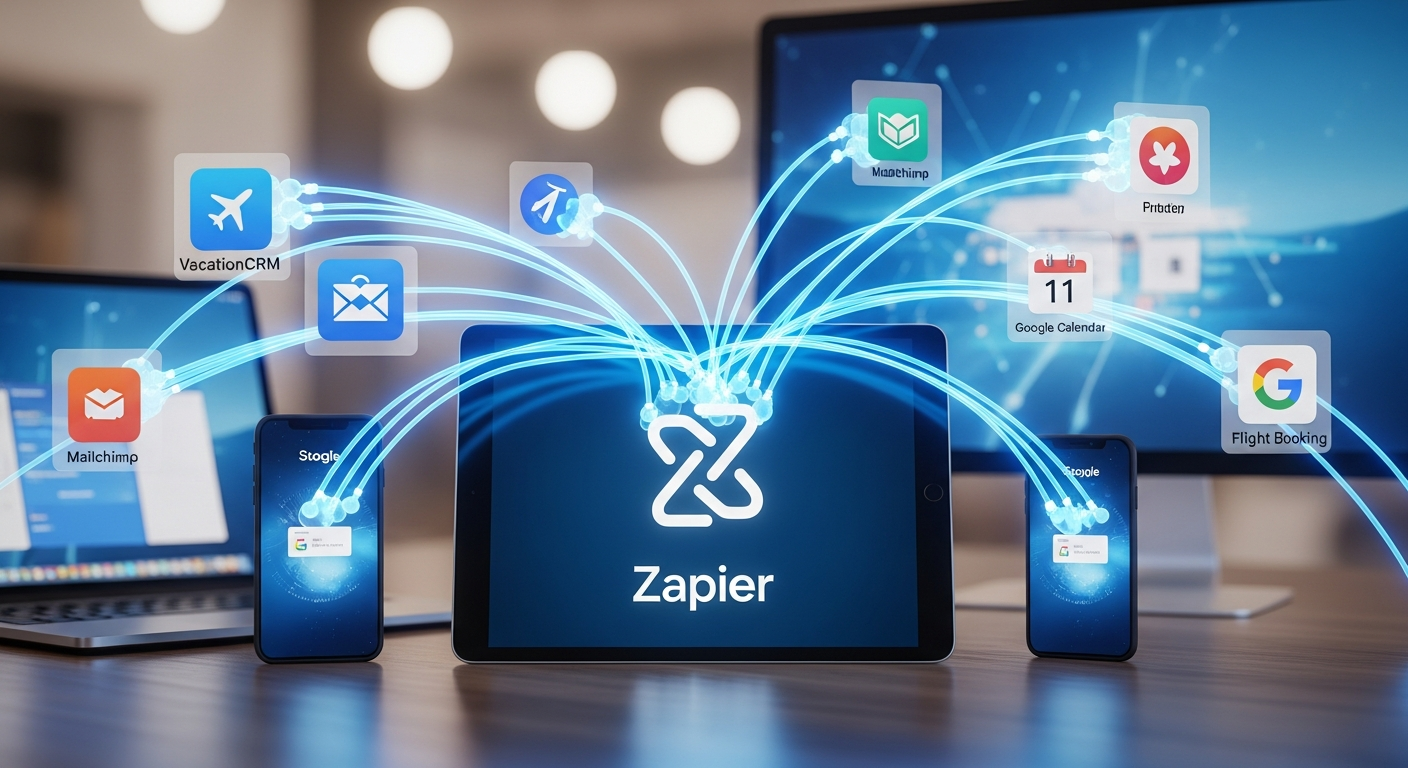
Zapier is an online automation tool that connects your favorite apps, such as Gmail, Slack, Mailchimp, and more. You can connect two or more apps to automate repetitive tasks without coding or relying on developers to build the integration.
Think of Zapier as the "digital glue" of your agency.
-
❌ Without Zapier: You get a lead on Facebook. You copy the name. You open VacationCRM. You paste the name. You open Mailchimp. You paste the email.
-
✅ With Zapier: You get a lead on Facebook. Zapier automatically "pushes" that data into VacationCRM and Mailchimp instantly. You didn't touch a button.
The Logic: Triggers and Actions
Zapier works on a simple "If This, Then That" logic:
-
The Trigger: Something happens in one app (e.g., New Client Profile created in VacationCRM).
-
The Action: Zapier performs a task in another app (e.g., Add Subscriber to Flodesk).
Why VacationCRM + Zapier is the Power Couple
At Vincent Vacations, we often recommend VacationCRM because it is built specifically for the nuances of our industry. It handles supplier payments, gross commission tracking, and client profiles beautifully.
However, no CRM can do everything. VacationCRM isn't an email marketing platform, it isn't a project management tool (like Asana), and it isn't a social media scheduler.
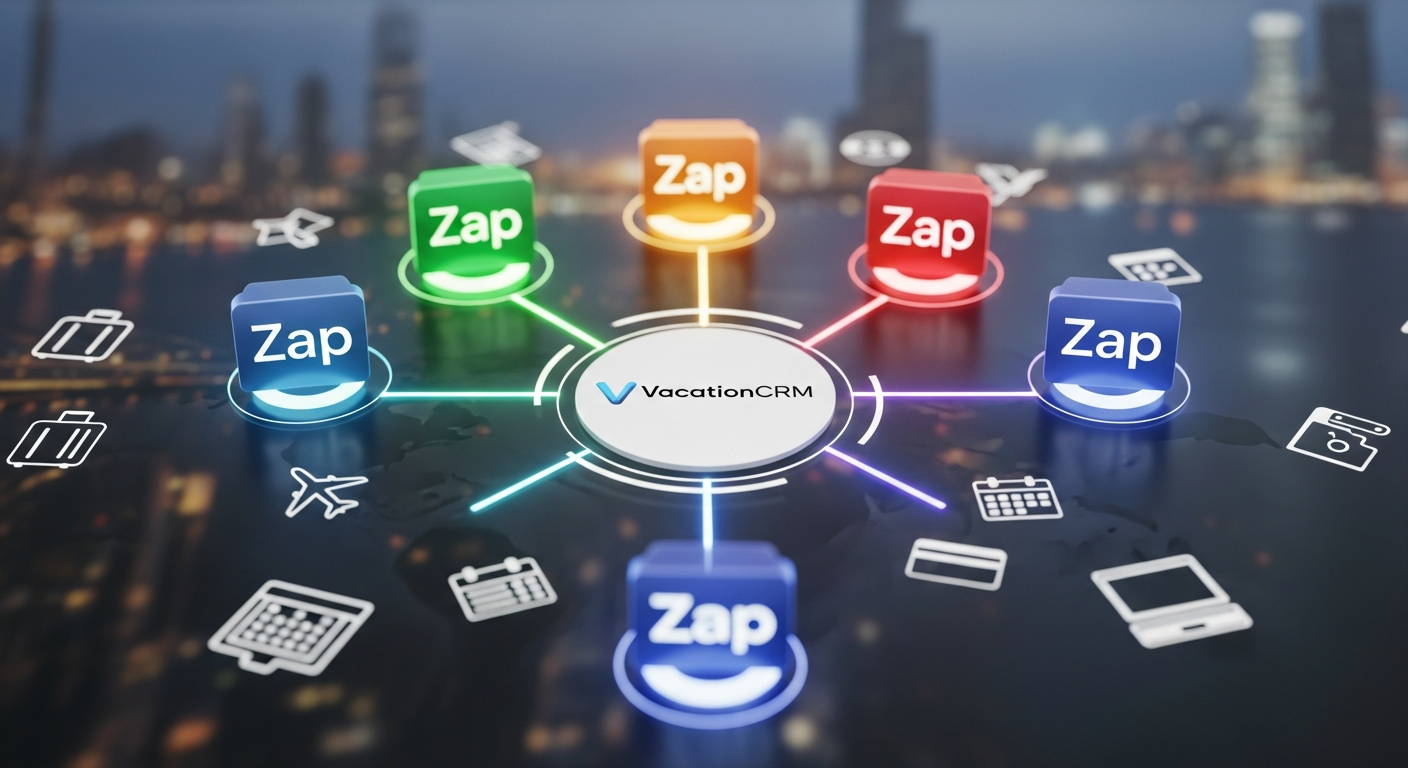
When you integrate VacationCRM with Zapier, you stop treating your CRM as an isolated island. It becomes the "Command Center" of your business. Data flows in from your marketing sources and flows out to your operational tools automatically.
5 High-Impact "Zaps" for VacationCRM Users
Ready to reclaim your time?
1. The "Zero-Effort" Lead Entry
The Automation:
-
Trigger: New Form Submission (from JotForm, Typeform, Facebook Lead Ads, or Cognito Forms).
-
Action: Create New Profile in VacationCRM.
How It Works: The moment a potential client hits "Submit" on your inquiry form, Zapier takes their First Name, Last Name, Email, Phone, and Travel Dates and instantly creates a profile in VacationCRM.
-
💡 Bonus Step: You can add a second action to send a text message via Twilio to yourself: "New Lead Alert: [Name] wants to go to [Destination]!"
2. The "Set It and Forget It" Newsletter Sync
The Pain Point: You know you should be emailing your clients monthly to stay top-of-mind. But your email list in Mailchimp or Flodesk is always out of date. You have to export your VacationCRM client list to a CSV file and upload it manually. It’s a hassle, so you rarely do it.
The Automation:
-
Trigger: New Client Profile in VacationCRM.
-
Action: Add/Update Subscriber in Mailchimp (or Flodesk, Constant Contact).
How It Works: Every time you get a new client in VacationCRM, they are automatically subscribed to your newsletter. You never have to "clean your list" or manually export data again.
-
💡 Pro Tip: Use "Tags." If you tag a client as "Disney" in VacationCRM, tell Zapier to add them to the "Disney Interest" segment in your email marketing tool. Now you can send targeted offers without manual sorting.
3. The "Never Miss a Deadline" Task Manager
The Pain Point: VacationCRM tracks your bookings, but you prefer a checklist tool like Trello, Asana, or ClickUp to manage your daily to-dos (e.g., "Book Dining," "Send Final Payment Reminder," "Mail Luggage Tags").
The Automation:
-
Trigger: New Booking/Trip Created in VacationCRM.
-
Action: Create Card/Task in Trello (or Asana).
How It Works: When you finalize a booking in VCRM, Zapier automatically creates a card in your project management tool named "[Client Name] - [Destination]." You can even have it pre-load a checklist of standard tasks (Dining, Transfers, Insurance) so you ensure consistency for every single booking.
4. The "Post-Trip" Reputation Builder
The Pain Point: Reviews are the lifeblood of SEO (Search Engine Optimization). You want to ask every client for a Google Review when they return, but you often forget once the trip is marked "Completed" in your system.
The Automation:
-
Trigger: Trip End Date (from VacationCRM or Google Calendar synced to VCRM).
-
Action: Delay for 3 Days.
-
Action: Send Email via Gmail (or Outlook).
How It Works: Zapier watches for the date the client returns. It waits 3 days (to let them unpack and recover from jet lag), and then sends a personal email from your actual email address:
"Welcome home, [Name]! I hope [Destination] was amazing. When you have a moment, I'd love to hear about your favorite part..." (Include your Google Review link).
5. The "Accounting Concierge"
The Pain Point: VacationCRM is great for tracking commissions, but you also use QuickBooks Online or Xero for your business taxes and expenses. Double entering every planning fee is tedious.
The Automation:
-
Trigger: New Payment Received (via Stripe or Square linked to your VCRM invoices).
-
Action: Create Sales Receipt in QuickBooks Online.
How It Works: When a client pays your planning fee, the financial data is instantly logged in your accounting software. Your bookkeeper will love you, and tax season becomes a breeze.
Become a Travel Agent: Unleash Your Full Potential
Ready for a career that's as fulfilling as it is rewarding? Becoming a travel agent with Vincent Vacations means building a business around your passion for travel.

Advanced Strategy: The "Webhook" Secret
⚠️ Note for the Tech-Savvy Advisor:
Sometimes, you may search for "VacationCRM" inside Zapier and not see the specific trigger you want. This is common with niche industry software. Don't Panic. VacationCRM supports Webhooks.
A "Webhook" is like a digital doorbell. You can configure VacationCRM to "ring the doorbell" (send data) to Zapier whenever a specific event happens.
-
In Zapier, choose "Webhooks by Zapier" as your trigger.
-
It gives you a custom URL.
-
Paste that URL into your VacationCRM settings (under Integrations/API).
-
Now, VCRM will push data to that URL, and you can map it to any app you want.
If this sounds complex, don't worry. As a member of Vincent Vacations, you have access to a community of experienced advisors who have already set this up and can guide you through it.

Why Automation is "Table Stakes" for Modern Advisors
You might be thinking, "I'm a people person, not a tech person. Is this really necessary?"
The answer is Yes.
The travel industry has changed. Clients expect the speed of Expedia with the personalization of a human expert.
-
If you take 24 hours to respond to a lead, they have already booked elsewhere.
-
If you forget to send the "Final Payment Reminder," you risk the booking cancelling.
-
If you are spending 20 hours a week on data entry, you are capped on how much you can earn.
Automation buys you freedom. It allows you to scale your business from $100k in sales to $1M in sales without working 80 hours a week. It ensures that your client experience is consistent, professional, and high-touch, even when you are sleeping or on vacation yourself.

How Vincent Vacations Supports Your Growth
Implementing tools like VacationCRM and Zapier requires an investment—both of time and money. You need a host agency that supports your profitability so you can afford to reinvest in your business.
That is why Vincent Vacations is different.
1. The 100% Commission Model
Most host agencies take a 10% to 30% cut of your hard-earned commissions forever. At Vincent Vacations, we offer a tiered commission structure that allows experienced advisors to earn 100% of their commission.
-
Imagine earning an extra $10,000 or $20,000 a year simply because you aren't splitting it with your host.
-
That extra capital easily covers the cost of VacationCRM, Zapier, and a virtual assistant.
2. Technology Freedom
Some host agencies force you to use their proprietary, outdated CRM. We don't. We believe you should own your data. We support our members in using the best tools in the industry—whether that's VacationCRM, TravelJoy, or Travefy. We provide the supplier connections (via Signature Travel Network); you choose the tech stack that works for you.
3. SEO & Marketing Training
We don't just give you an IATA number and wish you luck. Our member portal includes training on:
-
Digital Marketing: How to find clients online.
-
SEO: How to write articles (like this one!) to get found on Google.
-
Automation: How to set up systems that scale.
Frequently Asked Questions (FAQ)
Q: Does VacationCRM have a native Zapier app?
A: VacationCRM integrates with Zapier, though depending on your specific version, you may use their "API Key" integration or Webhooks. Both methods allow you to move data out of VCRM and into other tools.
Q: Is Zapier free for travel advisors?
A: Zapier has a "Free Forever" plan which allows for 100 tasks per month. This is great for beginners! As you scale, their Starter plan (approx. $20/mo) allows for multi-step Zaps (e.g., VCRM -> Mailchimp -> Trello all at once).
Q: Can I use Zapier to automate supplier bookings?
A: Generally, no. Suppliers (like Disney, Royal Caribbean, or VAX) do not integrate with Zapier for booking. You still need to book the travel manually or via your booking engine. Zapier helps with the admin around the booking (client profiles, itinerary delivery, invoicing).
Q: I’m new to travel. Should I start with Zapier immediately?
A: We recommend mastering your workflow manually first. Once you find yourself doing the same task three times in a row, that is the moment to automate it.
Your Next Step
If you are tired of being buried in administrative tasks and want to build a travel business that runs like a well-oiled machine, it’s time to upgrade your toolkit.
-
Get VacationCRM: Centralize your client data.
-
Get Zapier: Connect your CRM to the rest of your world.
-
Join Vincent Vacations: Get the commission split you deserve to fuel your growth.
Learn more about this by signing up as a member, today! Vincent Vacations Application Form.
To learn more techniques and how to grow your travel business, read more on our Articles page.